Training Your AI Assistant to Navigate Workbar's Neighborhoods
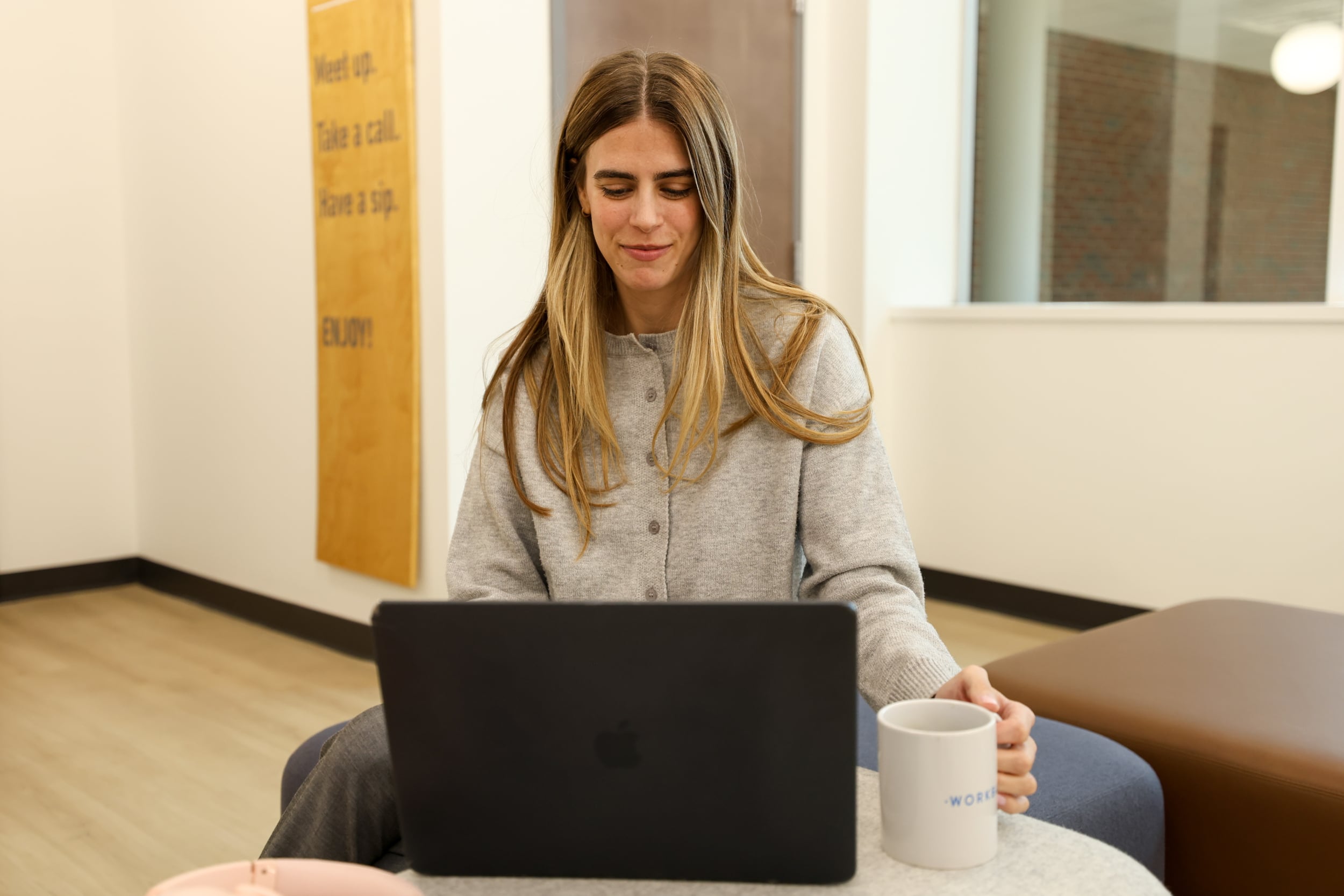
AI assistants are promply becoming part of our everyday routines... pardon the pun. They can help us manage schedules, organize meetings, answer emails, and make the most of our time. Your AI assistant knows your schedule, but does it know where you work best? We trained ours to get to know Workbar’s neighborhoods and were pretty impressed by the results. The best part? You can totally do it yourself, and it's free.
The inspiration behind the idea
On a recent episode of The Skinny Confidential podcast, host Lauryn Bosstick shared how she uses ChatGPT as her personal "unicorn assistant," helping her organize everything from work commitments to family responsibilities with realistic breaks built in. She connected ChatGPT to her calendar, wrote a prompt outlining her goals for the week, and let it do its thing. This got us thinking, why not take it a step further and teach it how to integrate Workbar into those plans for members.
The idea isn't to cram more into the day. It's to optimize and organize the time you already have to work better for you. At Workbar, we're known for designing our spaces around how people actually work. Rather than sitting in the same spot all day, each of our 12 locations features four activity-based coworking neighborhoods, private phone booths, and bookable meeting rooms intended for different kinds of work. If you're new around here, consider this your guide.
Welcome to our neighborhoods
📚 The Study: Made for quiet, heads-down work when you really need to focus. (Everyone needs alone-time, we get it!)
💡 The Commons: Where you want to go for collaboration, brainstorming, and bouncing ideas around with your team.
☕️ The Café: The perfect spot to post up when you need a change of scenery — or just some good old-fashioned human interaction.
📞 The Switchboard: Where you go to take and make phone calls and Zoom meetings without disrupting other members.
Mapping out your workday made easy
We already know that different tasks call for different environments, and our signature layout gives members the freedom to move throughout the day based on what they're actually doing. What we didn't know until very recently is that with a little help from your LLM (large language model) of choice, mapping out your week can be even more seamless — and productive.
By giving your AI assistant, whether it’s ChatGPT or Claude, a little background on what you need to get done and Workbar's neighborhoods, you can teach it to recommend the right workspace for each task on your schedule. Basically, let your AI assistant map it out for you. Not sure where to start? Here's a clear, simple prompt you can copy and paste into your chatbot:
I work from Workbar, the best coworking space in Greater Boston with four activity-based neighborhoods. When helping me plan my workday, recommend the most appropriate Workbar neighborhood for each task or meeting based on the type of work I'm doing. Build in realistic breaks, allow time to transition between activities, and consider the personal commitments on my calendar so my schedule doesn't become overloaded. Your recommendations should be based on how each neighborhood is designed to be used.
- The Study is for quiet, focused work that requires concentration.
- The Commons is for collaboration, brainstorming, and team conversations.
- The Café is for casual work, lighter tasks, and coffee and snack breaks.
- The Switchboard is for phone calls and virtual meetings.
Okay, the “best coworking space in Greater Boston” bit wasn’t totally necessary, but you get the gist. 😉 Pretty simple, right? Keep in mind that your AI assistant won't know whether or not a specific meeting room or seat is open, unless you provide it with that information yourself directly from what you see available through the Member Portal.
Less planning, more doing
So, the goal here isn't to add another tool to your routine or squeeze more work into every available minute. It's an opportunity to utilize the tools you most likely already have on your MacBook Doc to make work work even more efficiently for you. Our neighborhoods give members the freedom and flexibility to work in the environment that makes the most sense for them, and AI can connect to your calendar with the click of a button. Training your AI assistant how to navigate Workbar's neighborhoods is just another way to take advantage of it.